
Our Work OS of Choice
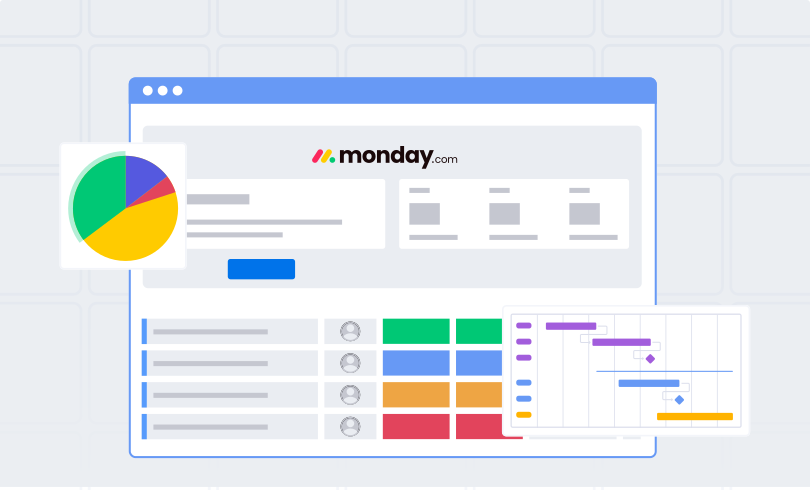
When it comes to business use cases for monday.com, you really have access to limitless possibilities. For starters, a Work OS is a cloud-based software platform where teams build custom workflows, apps, and tools to plan, run, and track processes.
Read our blog, What is monday.com? to learn more. Sounds complicated, right?
Thankfully it’s not!
The technology behind the Work OS may be complicated, but for us, the users, monday.com is easy to use and beautifully intuitive. Our team has been using it since 2017—it ages like fine wine. Don’t wait to pop the cork; give it a try with a completely free trial.
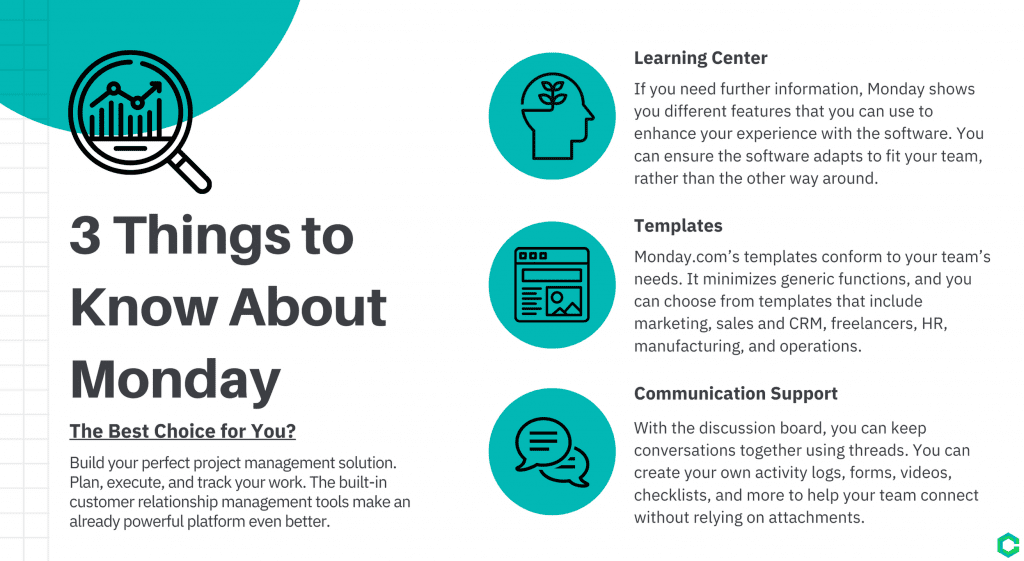
The team at Crazy Egg created this graphic through their extensive research of monday.com.
Dive into Crazy Egg’s research here.
1.) Task Management
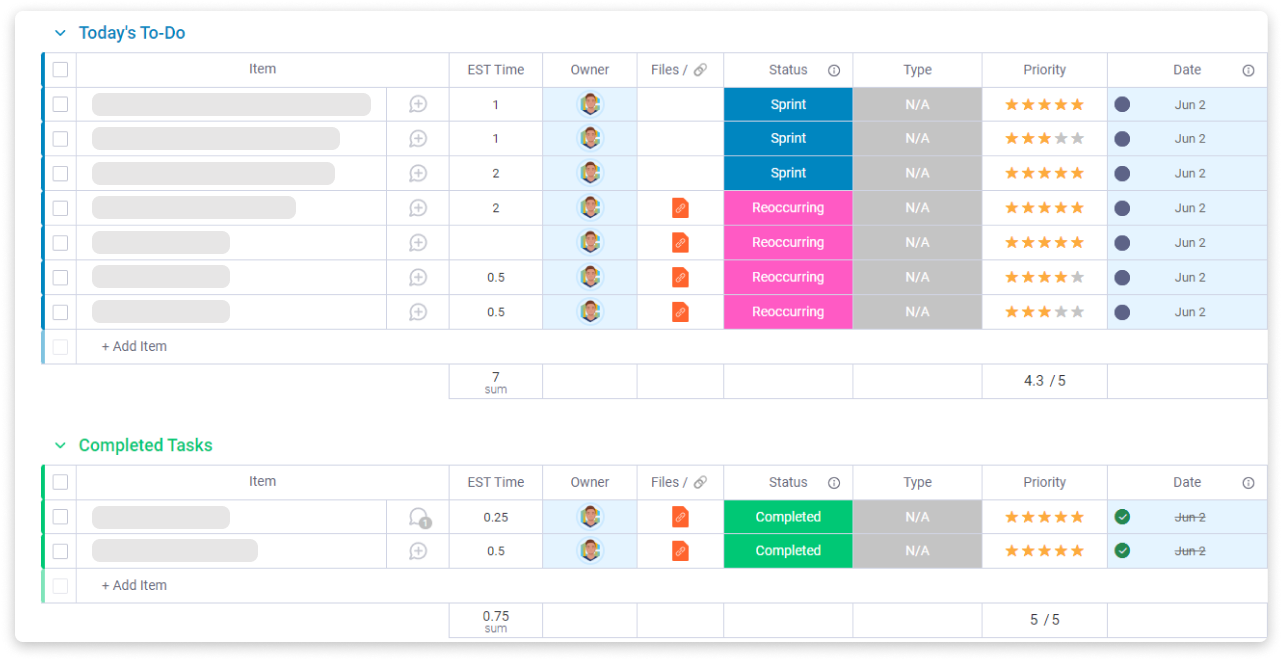
Task management is crucial to getting work done. Everyone has a preferred way of tracking work, but how do you convey what you’re working on to others? How do you ensure this won’t cause information silos?
We use monday.com to run brief morning meetings, allowing teammates to align time and collaborate. Managers get an overview they can trust while ensuring face-to-face time.
2.) Team Management
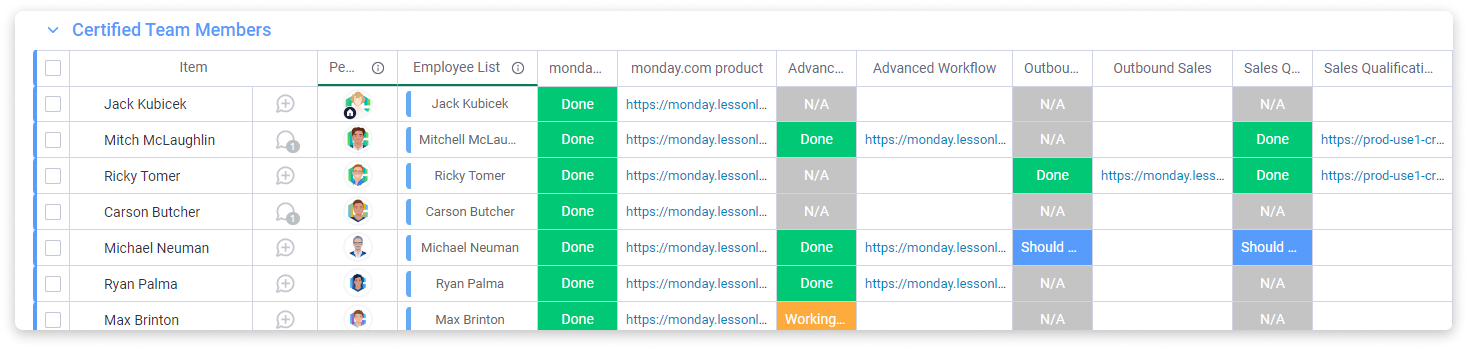
The transition to remote/hybrid work has made management challenging. Use customizable columns to build employee databases, set up team-based notifications, and tag entire teams instantly.
3.) Project Management
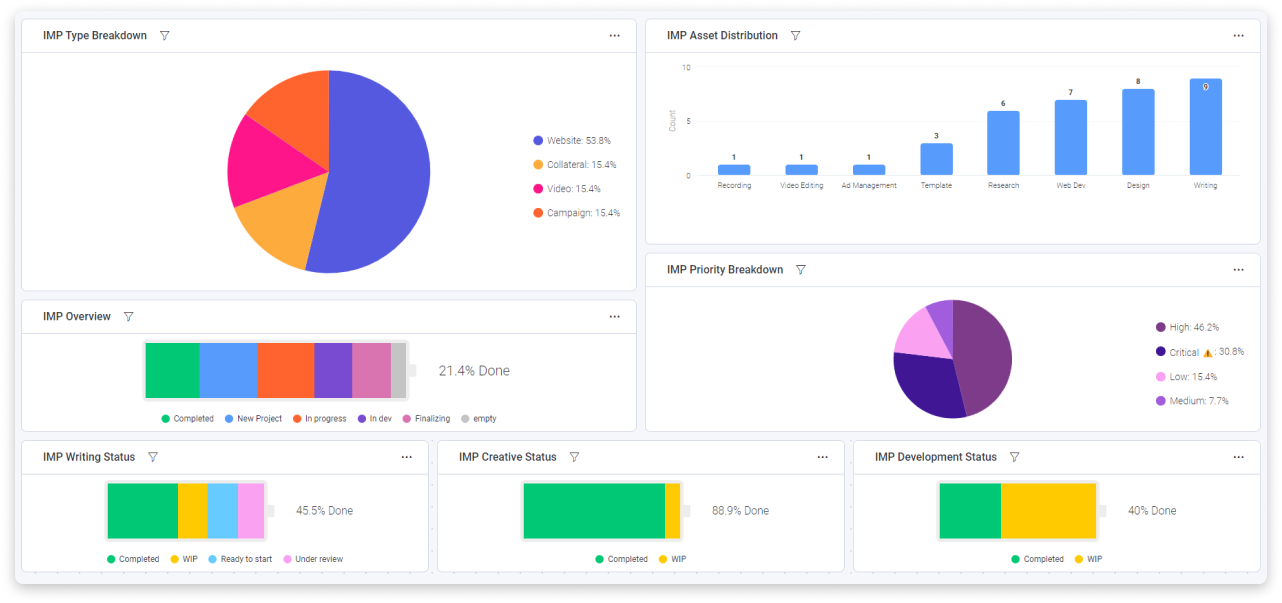
With dozens of views and customized dashboards, you can build any workflow. At CarbonWeb, we use an Internal Marketing Projects Dashboard that pulls information from four different boards into one view.
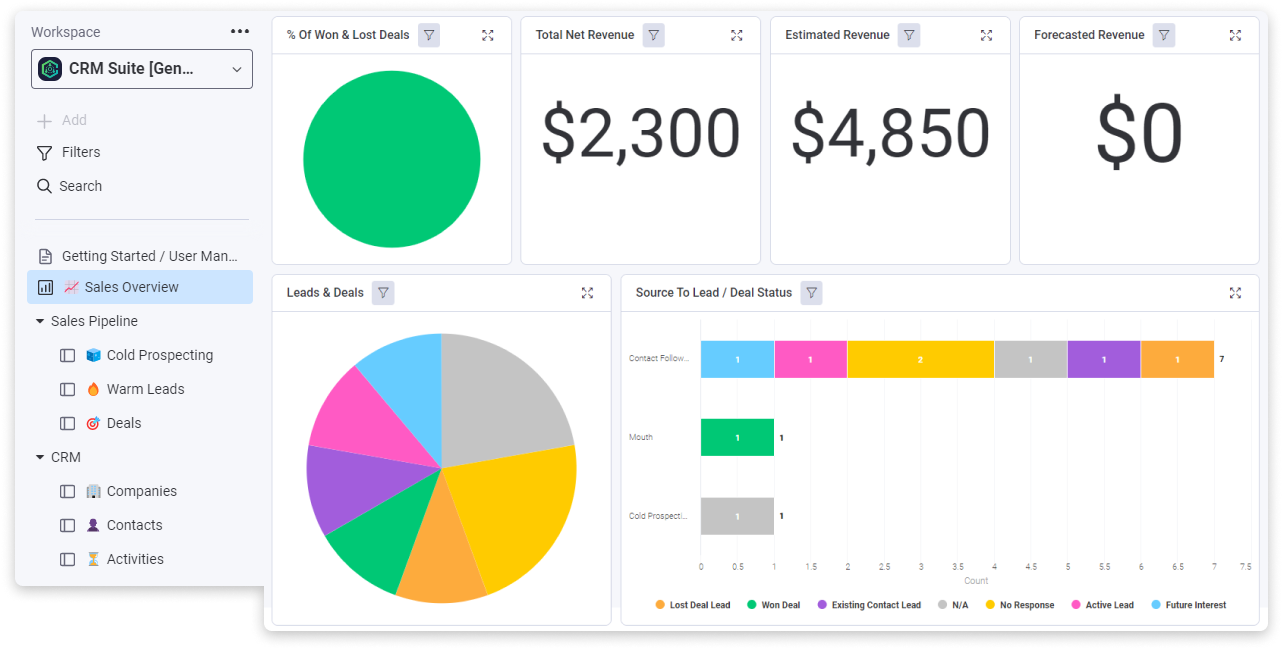
5.) Customer Relationship Management (CRM)
Maintain relationships effectively with lead pipelines and outreach workflows. Our CarbonCRM Suite allows for in-board dialing and automated proposal generation.