
The CRM that’s simple to set up and easy to use
monday CRM is a fully customizable, dedicated sales platform. No code needed.
What would you like to manage with your CRM?

Business services

Real estate

Software & IT services

Media & communications

Manufacturing

Financial services

Consumer goods

Healthcare services

Other
✦ Get discounts for enterprise with a new monday account ✦
Workspace Features
Accelerate you team’s sales with AI
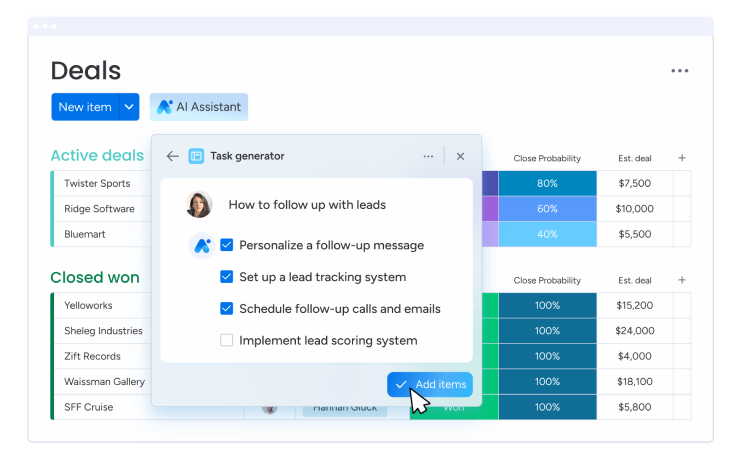
Scale opportunities with less effort using AI. From generating meeting action items to writing perfect emails, small moments add up to hours saved for more efficient work.
Customizable to fit your sales cycle
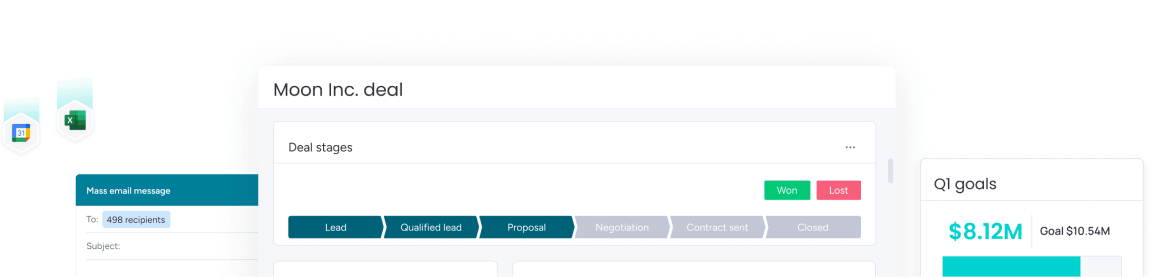
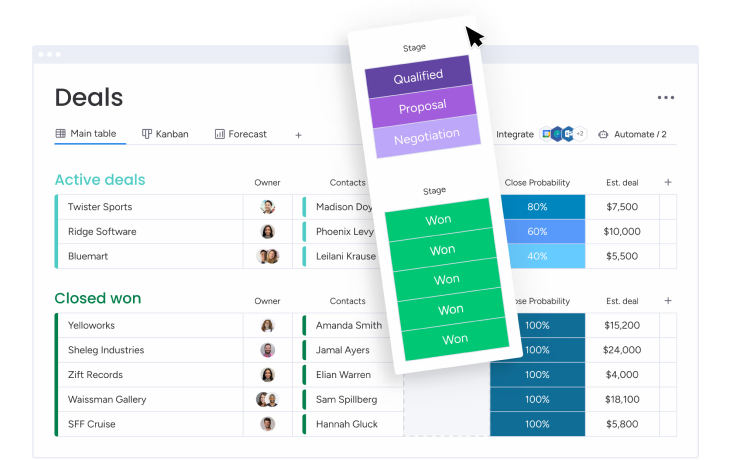
Easily tailor your CRM to work for you, without any development help. Edit deal stages, add as many columns as you’d like, manage multiple pipelines at once, and more.
Save valuable time by automating sales processes
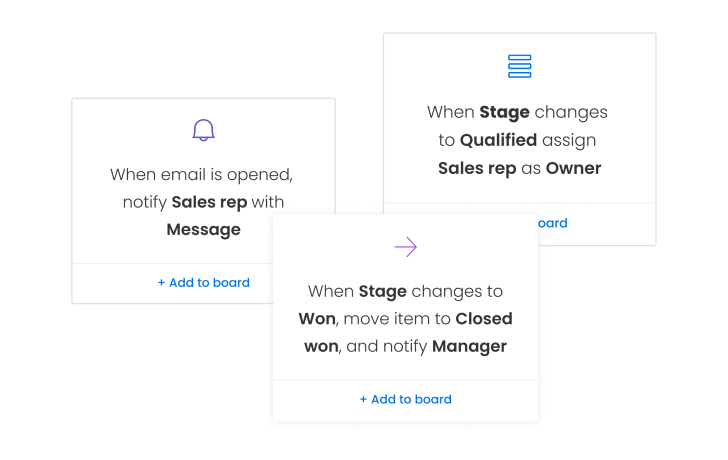
Close more deals by automating repetitive work. Automatically assign leads to reps, set reminders for upcoming activities, get notified when a lead opens an email, and more.
Centralize client communication
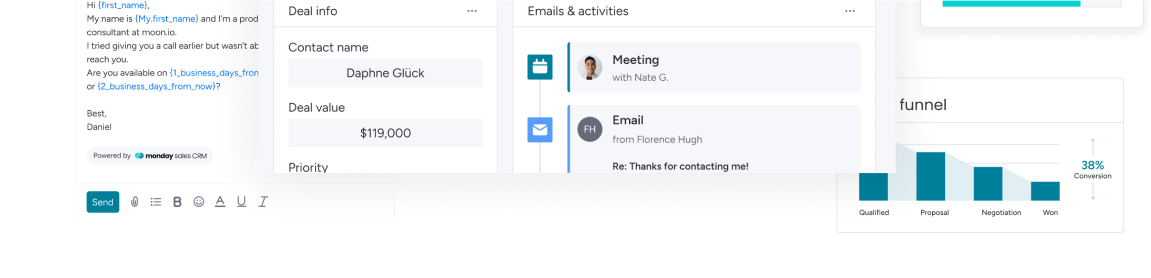
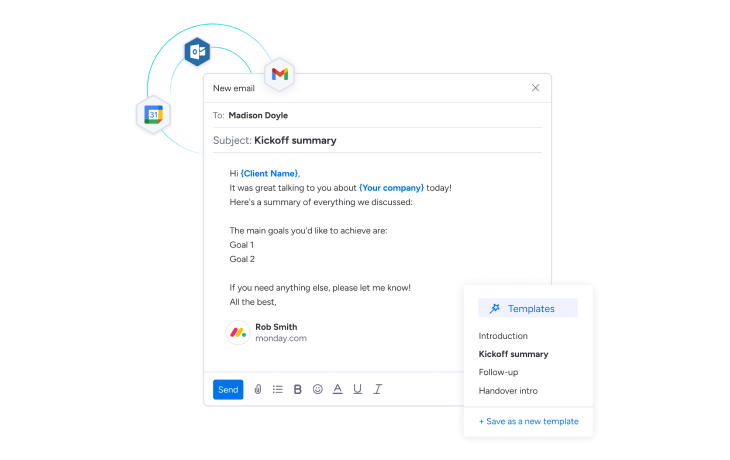
Communicate efficiently with your contacts by integrating your email. Automatically log sent emails, keep track of interactions, and use personalized email templates to save you time.
Seamlessly integrate all your favorite tools
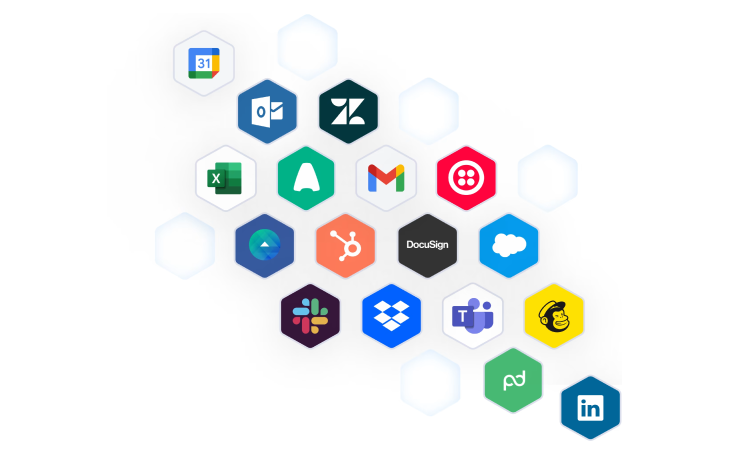
Bring all of your essential processes and data into monday sales CRM for your smoothest workflows yet. Who said you can’t have your apps and use them too?
Manage everything, from anywhere
With a dedicated mobile experience that makes it easy to manage your pipeline on the go, you’ll always be in the loop. Automatically logging calls, checking report statuses, and adding new activity.
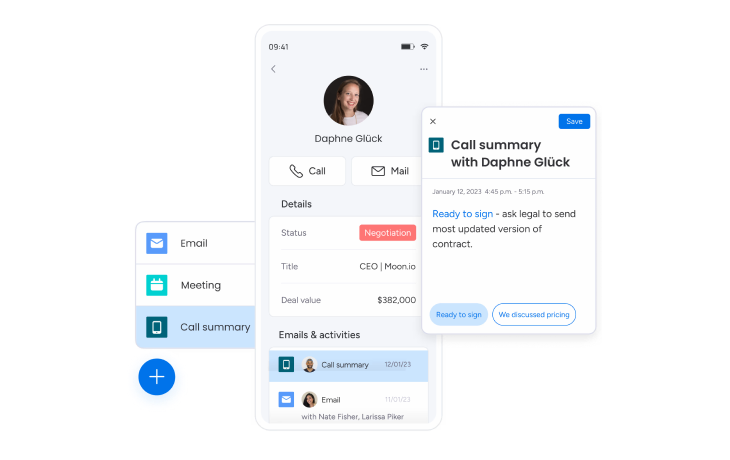
Pre-sales to post-sales all in one place
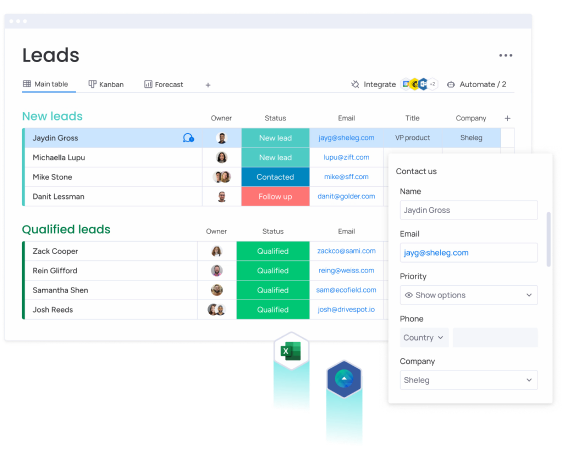
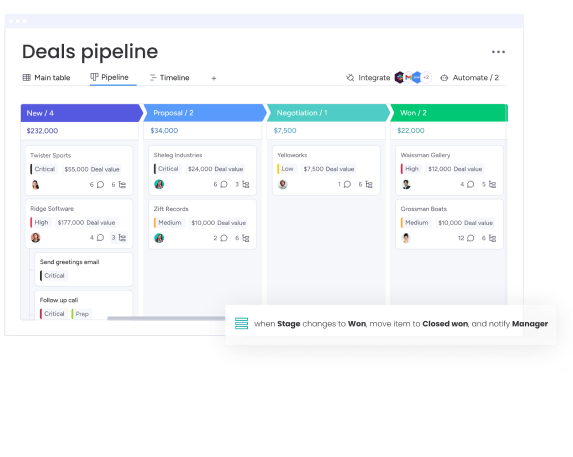
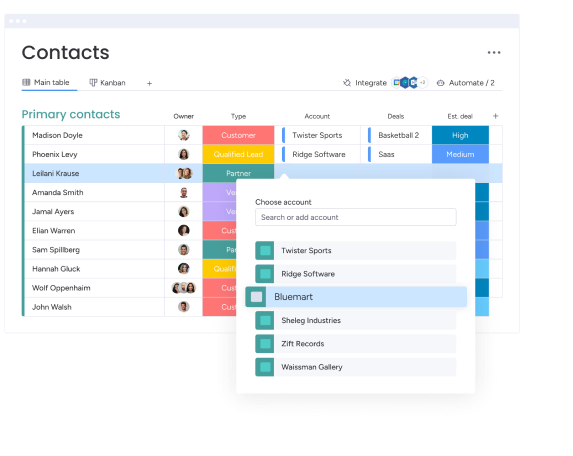

Industry Templates
Get started quickly with pre-made monday sales CRM templates from CarbonWeb
eCommerce & Retail CRM
For Vendor & Distribution Management
Construction CRM
For Residential or Commercial Bidding
Dealership CRM
For Automotive, Powersports & More
SaaS CRM
For Software Sales Teams
Staffing & Recruiting CRM
For Business Development
Need some help kickstarting or customizing monday CRM?
CarbonWeb offers full service packages to help launch, onboard and customize monday products to drive your business goals toward the finish line.
Talk to an Expert
Quick Discovery
We’ll start by understanding your current setup and specific challenges. This helps us tailor the demo to your exact needs.
Live Walkthrough
We’ll walk through a live monday workspace and explain features, functionality, and how they could apply to your business.
Q&A + Next Steps
We’ll open up the room for questions about monday.com and the next steps for leveling up your business.
Explore more powerful CarbonWeb products

Activate limitless potential and never run into a workflow blocker again. When monday.com falls short, the CarbonToolbelt fills in the gaps, binding your workflows together seamlessly.

A highly intuitive and customizable automated CRM system built on the world’s strongest sandbox for business, monday.com.

Assign work, coordinate projects, and communicate effectively as a team all in one place. Track any kind of task, for free on monday.com!
Advanced solutions for big companies
We offer advanced implementation packages
Work with our expert team for custom implementation and onboarding.
Advanced security and data compliance
Data is always in the right hands with advanced security measures.
Priority global response from a dedicated team
Get quick responses around the clock to any questions or issues.
Frequently asked questions
How do I receive the 10% discount on monday CRM?
Receiving your 10% enterprise discount is easy and only requires two simple steps:
1.) Start your monday CRM trial through this link: Get started with monday CRM
2.) Fill out this form to physically claim the discount: Claim my discount
In order to qualify for this monday.com enterprise discount, you must purchase an enterprise monday CRM subscription through CarbonWeb and fill out our discount claim form.
What is customer relationship management (CRM)?
Customer Relationship Management is a platform that helps companies manage relationships and interactions with current and potential customers. A CRM software helps businesses improve customer relationships by connecting with customers, streamlining activities, and improving retention.
What is a CRM software used for?
A CRM software can be used to improve every part of the sales process, from pre- to post-sales. CRMs help companies build relationships with their customers by organizing all customer activity, interaction, and information in one place. This means that anyone on the sales team can understand exactly where a relationship stands.
CMRs also help companies optimize processes with automations that reduce manual tasks and keep work moving forward. Plus, integrations operate between the CRM and any external apps or platforms to make processes smoother and more centralized.
Data is also a central pillar for CRMs – they gather lots of data on the sales process, team members, the pipeline, and more. Then, anyone can display the data in many different ways to understand which areas are working well and which need improvement. This offers key insights into how to strengthen any company.
These are just a few of the ways to use a CRM software but with a flexible and customizable CRM, the possibilities are endless.
Why use a CRM software?
A few reasons to use a CRM software include:
Manage lead nurturing – A CRM automates many parts of the process that are time consuming and prone to human error, such as notifying sales reps when they should reach out to prospects, track interactions, and present the customer’s journey as a full picture, so reps can make informed decisions on their next move.
Boost in sales – A CRM helps teams create efficient sales processes, build sales pipelines, automate repetitive tasks, and parse sales data for insights that can increase closed deals. With a CRM, sales teams can create a reliable process to use for any deal.
Helpful analytics – CRMs don’t only collect customer data, they analyze it and present actionable insights so sales teams can tweak and optimize their process as necessary.
Better customer service – CRMs manage a business’s contacts and present important customer information—such as communications across all channels, purchase records, and more—to employees who need it. By easily accessing all relevant customer information, team members can provide a better customer experience.
What are the different types of CRM?
The three types of CRM are Collaborative CRM, Analytical CRM, and Operational CRM. Each type is built for different needs.
Collaborative CRMs for instance, improve the customer experience by making customer information and communications across team members and external stakeholders—like suppliers and distributors— easier.
Analytical CRMs boost customer retention and acquisition by collecting data from different channels (contact lists, email, social media, and more) and making it accessible and actionable.
Lastly, Operational CRMs are built for generating leads and closing deals by automating the repetitive processes such as identifying prospects or forecasting sales.
What makes a good CRM software ?
A good CRM sales software helps you gain visibility into your sales pipeline, collects and qualifies leads from any source, allows you to customize your pipeline, provides a 360° view of your customers, and gives your sales team the tools they need to close deals.
How does a CRM software help my business performance?
A CRM software helps businesses track and manage every aspect of their sales cycle, customer data, and communications in one place. For example, a CRM could integrate with email, helping teams communicate efficiently with customers.
What makes monday CRM stand out from other CRM software?
monday sales CRM empowers you to streamline sales activities from pre- to post-sales, creating a comprehensive and frictionless sales cycle.
There are several key elements that set this CRM software apart from others:
Companies can completely customize the look and feel of the platform with flexible column types, detailed subitems, customizable views, robust sorting capabilities, and more.
Extensive automations power processes, reducing time wasted on manual work and freeing up time for more relationship building and selling.
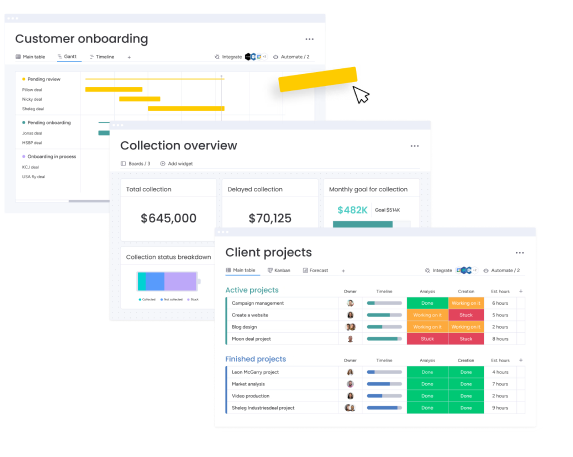
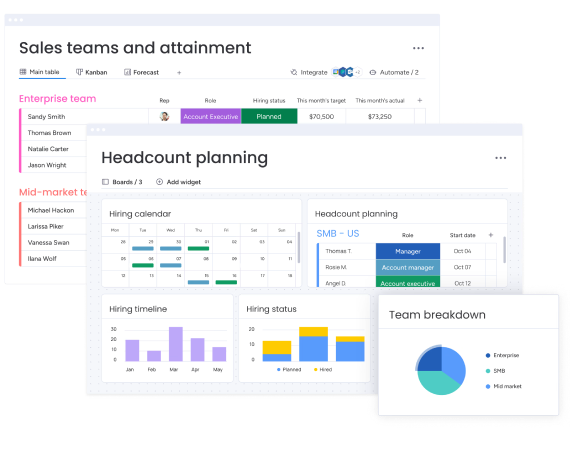
Comprehensive data visualization includes live reports and analytics using prebuilt dashboard and widgets for deep and meaningful insights. This also includes a Kanban view, timeline view, Gannt charts, and headcount planning features.
The low-code/no-code platform means that even non-tech savvy users can jump in and design their own workflows with the intuitive, visual and easy to use interface.