
Bring your strategy to life with intuitive work management

Gain the clarity and control you need to connect your everyday work to business goals across projects and processes.
What would you like to work on? 

Purple clipboard icon for project management

Project management

Purple checklist icon for task management

Task management

Purple person icon for client projects

Client
projects

Purple triangle icon for business operations

Business operations

Purple people icon for resource management

Resource management

Purple bar chart icon for portfolio management

Portfolio management

Purple target icon for goals and strategy

Goals & strategy

Purple pencil icon for requests and approvals

Requests & approvals

Purple flowchart icon for create your own

Create your own

Try it free, no CC!

✦  Get discounts for enterprise with a new monday account  ✦

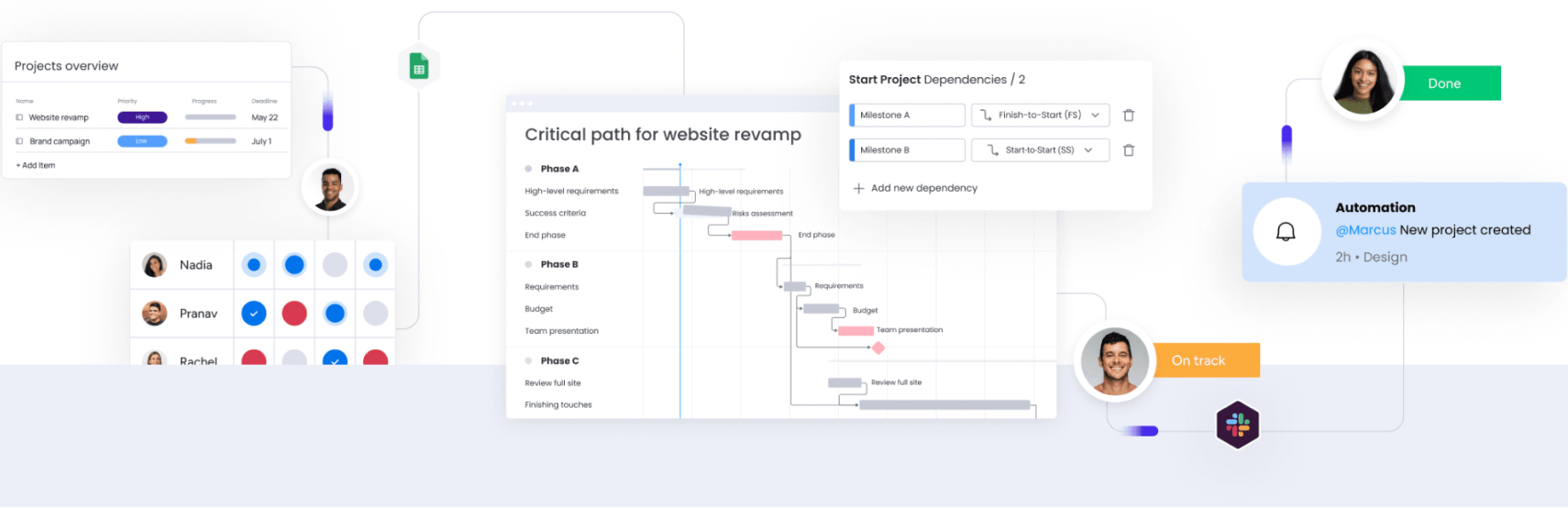
Illustration of monday.com project management boards including a projects overview, critical path Gantt chart, and team workload, with automation and collaborator notifications

Maximize project success across the organization

Track OKRs

Manage Portfolios

Identify Risks

Custom Reporting

Mobile App

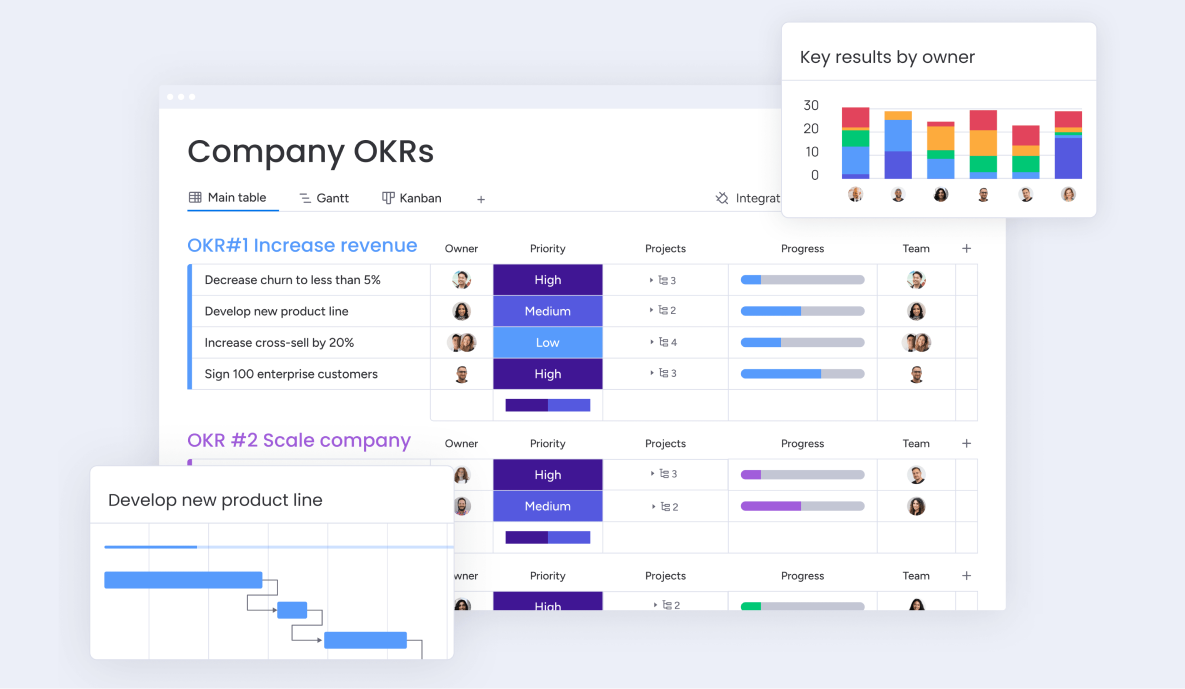
Connect goals to the work being done

Set and track company-level goals and objectives and ensure that the projects being done around them contribute to their success.
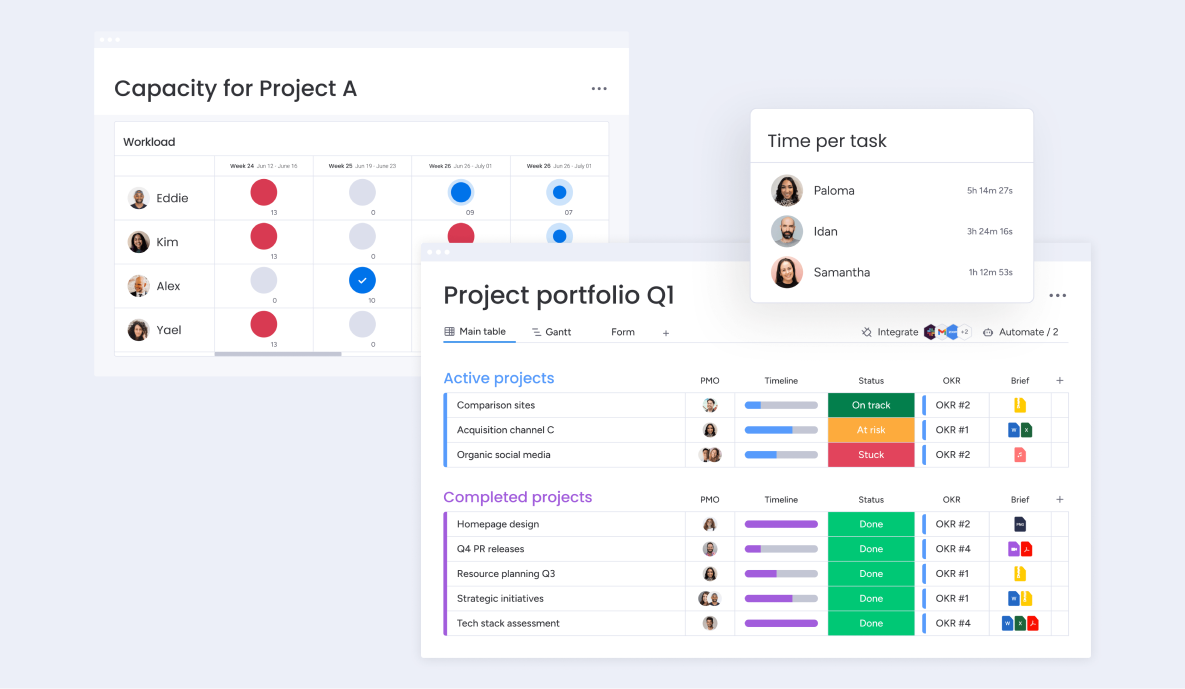
Screenshot of a monday Capacity for Project A workload table alongside a Project Portfolio Q1 board with active and completed projects

Track portfolio performance and value

Gain immediate visibility into where projects stand across the company, and manage the team resources needed for project completion and success.
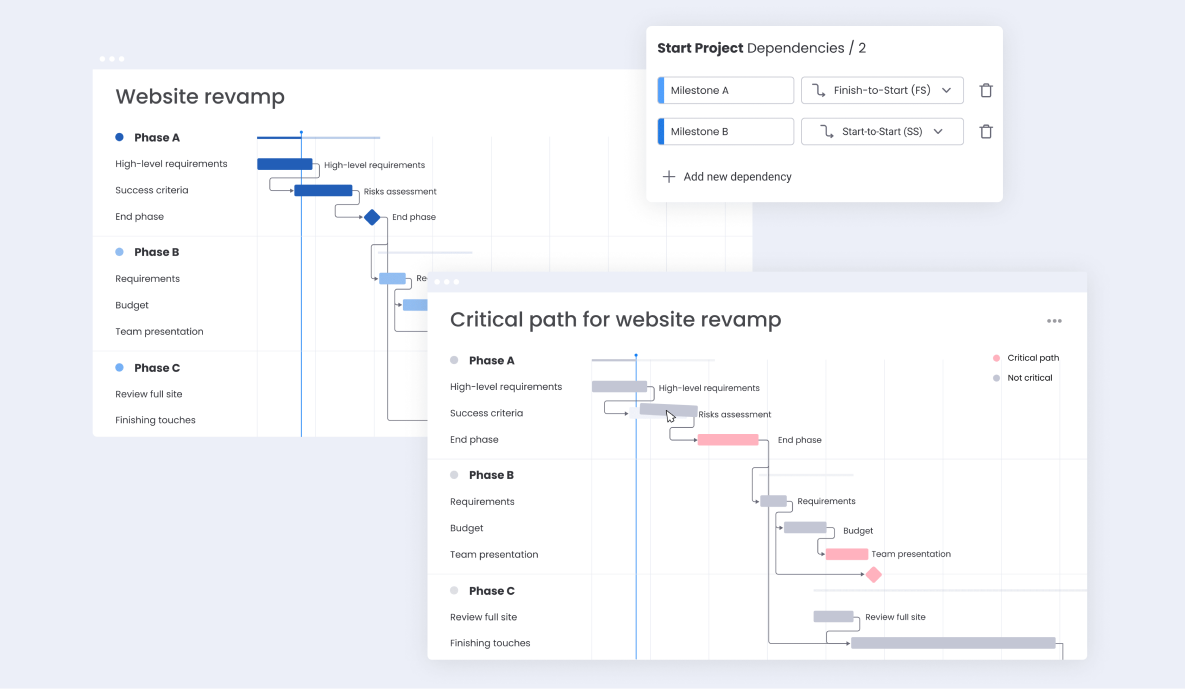
Screenshot of a monday Website Revamp Gantt chart with a Start Project Dependencies panel and critical path highlighted

Identify risks before they happen

Understand your project health with Gantt and key milestones to mitigate risks and bottlenecks, and take action to increase project efficiency.
Screenshot of a monday Company OKRs board with progress bars and a key results by owner chart

Align stakeholders and leaders on progress

Connect the dots with customizable portfolio-level reports so stakeholders and executives can view goal progress and make informed decisions.
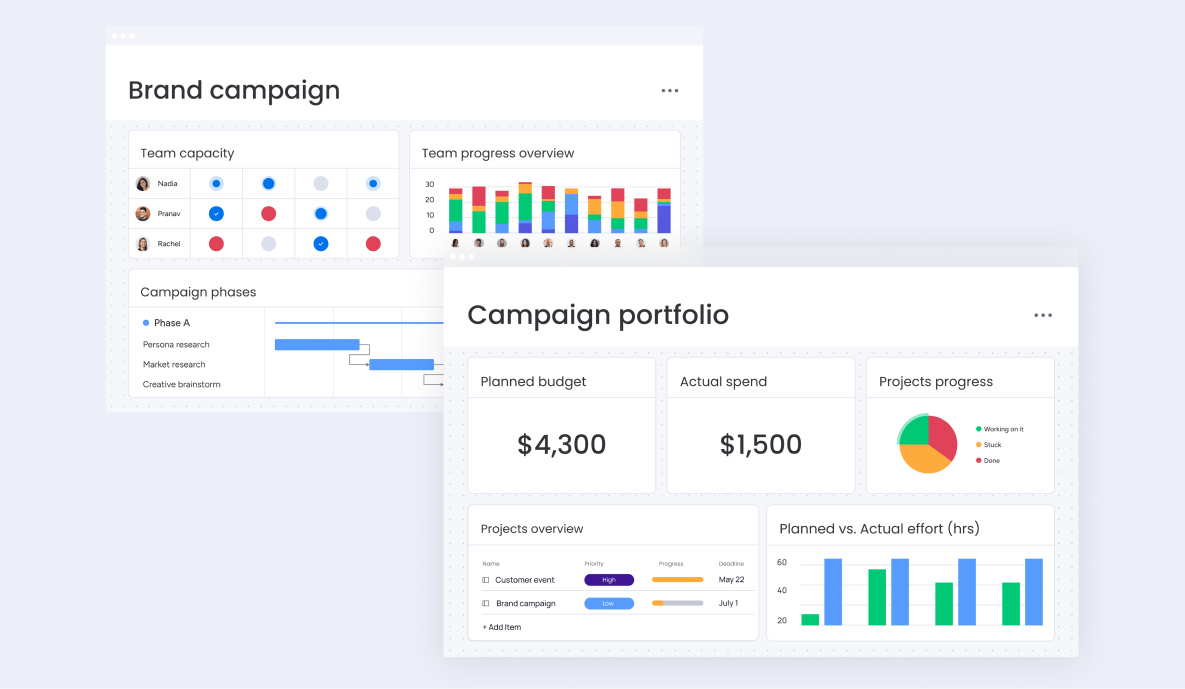
Screenshot of a monday Brand Campaign board with team capacity and progress overview alongside a Campaign Portfolio budget dashboard

Stay in the know when you’re on the go

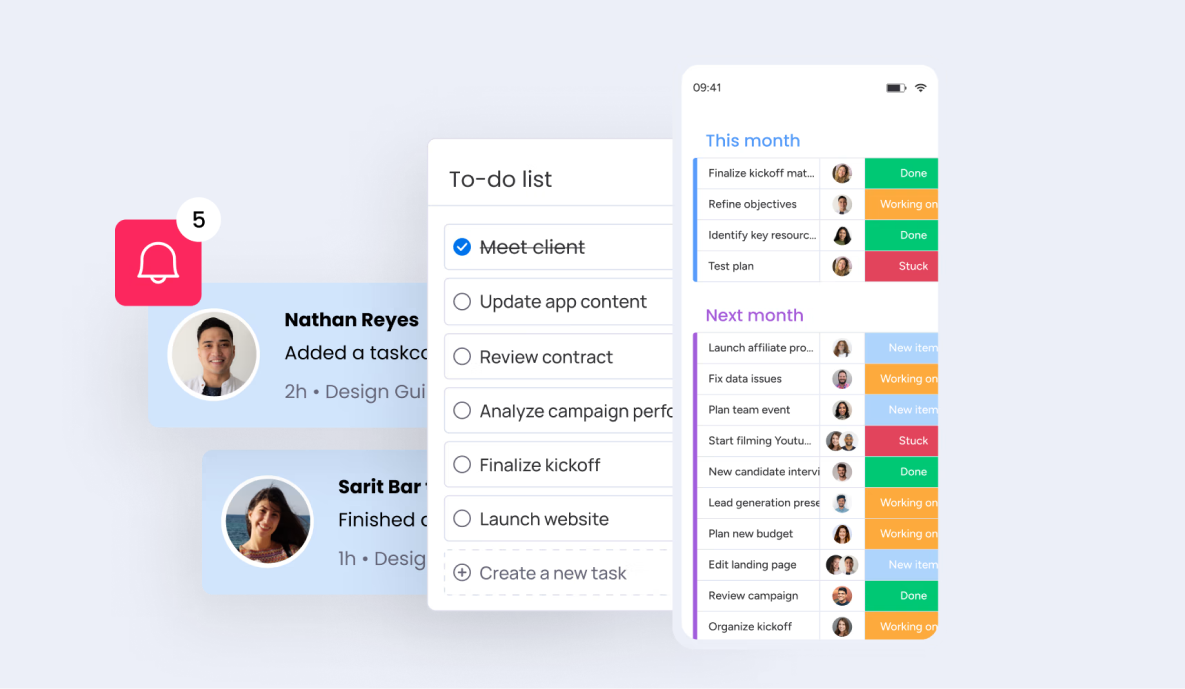
Stay in the loop with mobile notifications and continue updating boards and communicating with your team using the monday.com mobile app.
Screenshot of a monday to-do list and mobile task board with notification alerts for completed tasks

Work management software built for any kind of process

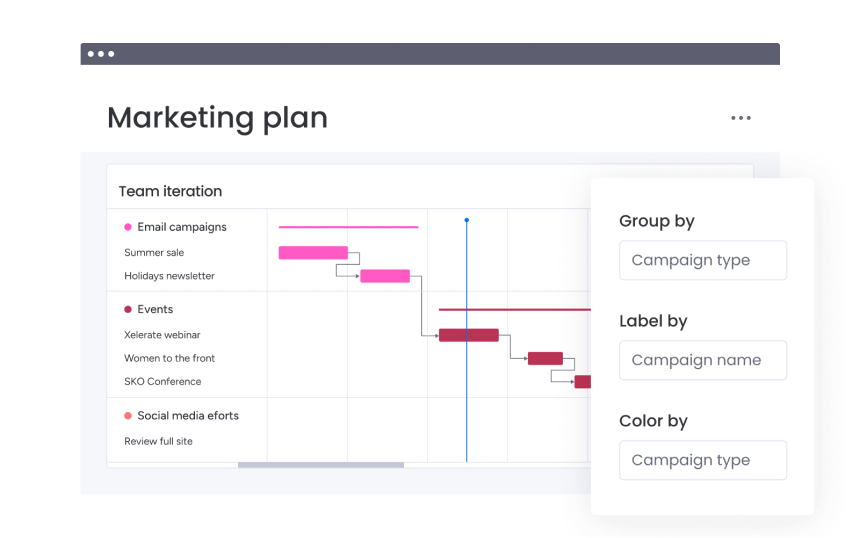
Screenshot of a monday Marketing Plan Gantt chart grouped by campaign type with group, label, and color options
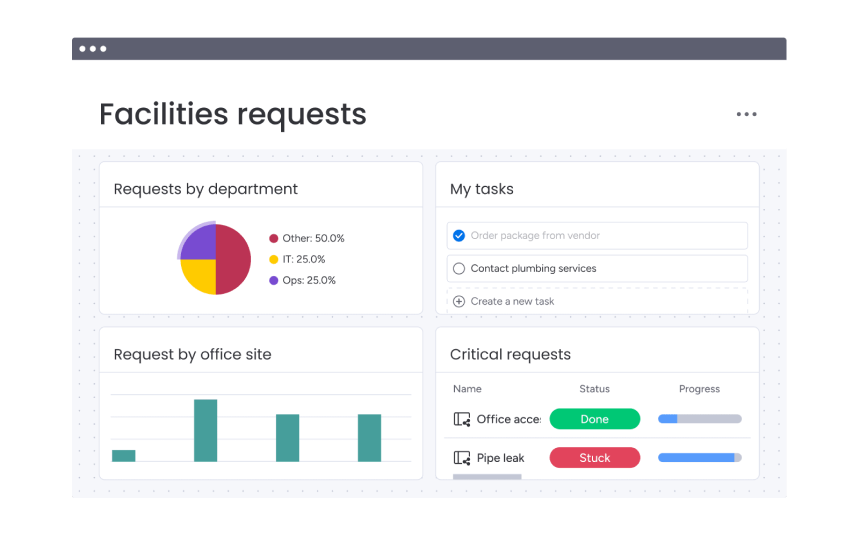
Screenshot of a monday Facilities Requests dashboard showing requests by department, tasks, and critical requests
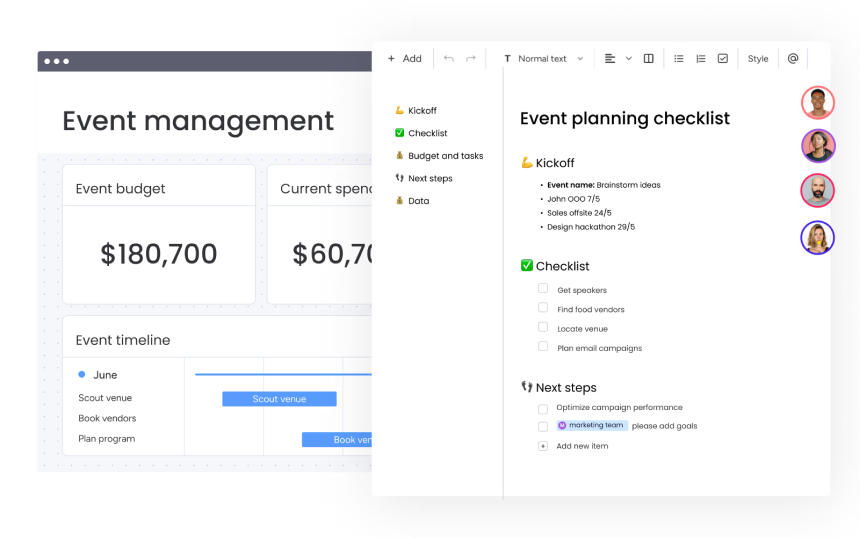
Screenshot of a monday Event Management dashboard with budget and an event planning checklist doc
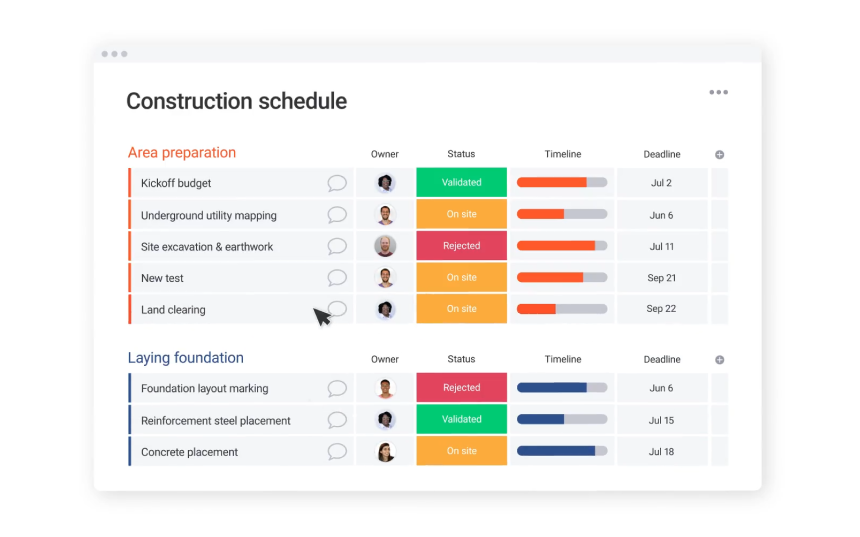
Screenshot of a monday Construction Schedule board showing area preparation and laying foundation tasks with status and timeline
Marketing
Manage the entire marketing and creative process in one place, from strategy and planning to asset management and launch.
Screenshot of a monday Marketing Plan Gantt chart grouped by campaign type with group, label, and color options
Keep track of multiple projects and team capacities across the company to ensure the success of large-scale projects.
Plan, organize, and manage resources, activities, and daily functions across your teams and company to improve business efficiency.
Screenshot of a monday Facilities Requests dashboard showing requests by department, tasks, and critical requests
Plan any event, organize staff and times, manage resources, time-sensitive activities, and daily functions across company
Screenshot of a monday Event Management dashboard with budget and an event planning checklist doc
Manage every phase of construction, track progress, collaborate with contractors, and ensure projects are delivered on time and within budget.
Screenshot of a monday Construction Schedule board showing area preparation and laying foundation tasks with status and timeline

PMO work management features to run successful projects

Purple bar chart icon

Gantt chart

At a glance, understand project status and details. Visualize project tasks, milestones, and dependencies within a set timeline.
Purple icon of connected boxes representing dependencies

Dependencies

Identify delays that prevent projects from being completed on time by quickly seeing which tasks are
behind schedule.

Purple rectangle icon with a vertical divider

Baseline

Define your baseline to easily compare your planned vs. actual project schedules so you can keep to deadlines or adjust as necessary. 

Purple circle icon with a checkmark

Critical path

Overlay critical paths on top of Gantt charts to identify the tasks your team must complete to finish a project on time and maintain realistic deadlines.

Purple icon of a box connected to a diamond shape

Milestones

Mark significant checkpoints in every project to accurately identify and correct bottlenecks as they
happen.

Purple clock icon representing time saved

Time Tracking

Plan more accurately for future projects by monitoring how long it takes to complete a specific
task.

Purple document icon with list lines

Project intake & approvals

Streamline the project intake process so anyone can submit requests with relevant details, and stakeholders can manage approvals, and prioritize
better. 

Purple icon of overlapping circles representing data

Dashboards & reporting

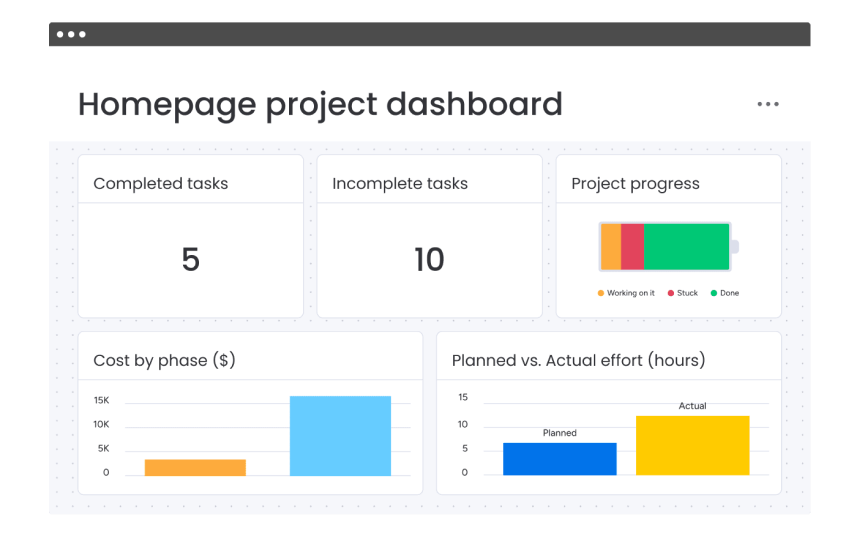
Gain insights into your portfolio and every project, such as budget and workload, to make data-driven decisions.
Purple eye icon representing visibility

Views

Choose how to visualize project status and scope with customizable views – Gantt chart, Kanban board,
Workload, Calendar, Timeline, and more. 

Based on 1,000+ G2 Crowd reviews

Row of G2 Spring 2023 award badges including Leader, Users Love Us, and Top 100 Fastest Growing Products

Need some help onboarding monday Work Management?

CarbonWeb offers full service packages to help launch, onboard and customize monday products to drive your business goals toward the finish line. 

Talk to an Expert

Not sure how to best get started with monday Work Management? Book a call with a CarbonWeb expert today!

Quick Discovery

We’ll start by understanding your current setup and specific challenges. This helps us tailor the demo to your exact needs.

Live Walkthrough

We’ll walk through a live monday workspace and explain features, functionality, and how they could apply to your business.

Q&A + Next Steps

We’ll open up the room for questions about monday.com and the next steps for leveling up your business.

Advanced solutions for big companies

Purple isometric cube outline icon

We offer advanced implementation packages

Work with our expert team for custom implementation and onboarding.

Purple shield icon with a checkmark

Advanced security and data compliance

Data is always in the right hands with advanced security measures.

Purple globe icon with a flag

Priority global response from a dedicated team

Get quick responses around the clock to any questions or issues.

Frequently asked questions

What is work management?

Work management is the way an organization creates and applies workflow structure to efficiently manage business processes and their information, including resources, tasks, projects, teams, and more. It allows for cross-level alignment when it comes to strategy, goals, objectives, and projects. 

Work management software helps teams, managers, and executives plan and manage both high-level and detailed elements of work to improve team performance. It brings all work-related information together in one place to streamline goals and strategy management, as well as action plans needed to execute them. The top features and capabilities of work management software include: 

​​Work management software provides a seamless solution for managing and executing work efficiently and on time. In one central location, teams can plan and monitor high-level company initiatives and goals and access the key data and documentation they need for success.

You can use work management software to make collaboration more organized, create visibility, and reduce information gaps. Intuitive work management software also empowers teams to create workflows that save time and support execution of everyday tasks. 

Built on top of monday.com Work OS, monday work management enables organizations, managers, and executives to reach shared goals faster and collaboratively at scale. From setting goals to navigating projects and everyday work, monday work management can help you streamline it all. Using powerful features such as automations and dashboards, teams and departments can easily adjust and customize any workflow for any business need.
monday work management is suitable for teams, managers, and executives in businesses of any size across all industries. Whether you work in marketing or operations, PMO or events you can use Work Management to create and run your workflows from start to finish.
Work management software can help improve your business’ performance by bringing all of the people, tools, communication, and data together in one intuitive space. Overall, work management software gives you the visibility to manage everything efficiently, from high-level strategy to day-to-day work.

In this way, you can identify risks that could delay your project delivery — or opportunities to maximize resources. These business insights can help you make smarter decisions and adjust plans to meet your goals. 

English English
Spanish Spanish
English English