

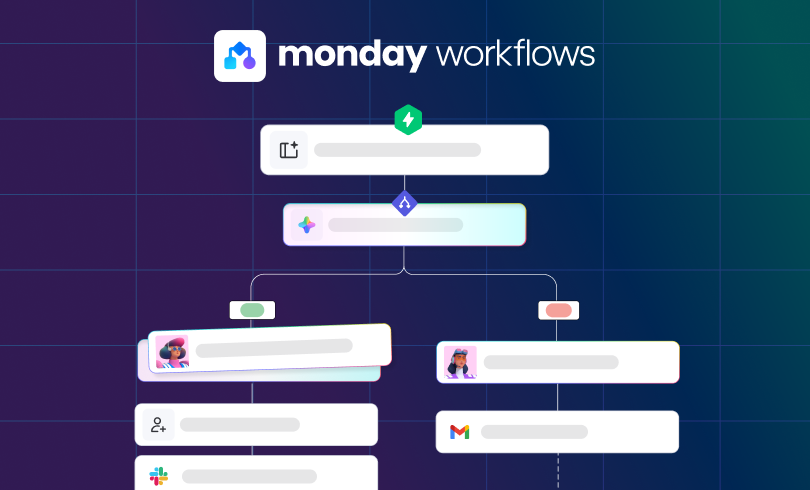
AI workflows in monday.com use AI to handle parts of a process that standard automations just aren’t built for.
A normal automation works best when the logic is clean and predictable. If a status changes, notify someone. When a form gets submitted, create an item. If a deal is marked won, kick off the next step.
monday AI workflows come in handy when the input is messy.
That usually means you’re dealing with a long request, a support message, meeting notes, or a document that needs to be read before the workflow can move forward.
So instead of just reacting to a trigger, an AI workflow can read what came in, extract the useful details, summarize it, classify it, or route it where it needs to go.
That’s the real difference. AI adds interpretation to a workflow, not just action.
AI Workflows in monday.com vs. Standard Automations
Here’s a straightforward way to look at it:
Standard automations follow set rules.
AI Workflows speed up understanding.
If the work starts with a clean status, dropdown, checkbox, or date, standard automations are usually enough.
If the work starts with an open-text request, an email, a note, or a file, AI workflows usually make more sense. That doesn’t mean they’re better for everything. They just solve a different kind of problem.
Standard automations are good for things like:
- Creating an item when a form is submitted
- Notifying a manager when something is marked urgent
- Triggering onboarding tasks when a deal closes
- Moving an item to a group when a status is changed
AI workflows are more useful for things like:
- Reading a request and figuring out what kind of issue it is
- Summarizing notes into something cleaner
- Pulling important details out of a document
- Routing work based on what the message actually says
That’s where the real value shows up. AI handles the part of the workflow that people were still doing by hand because the information wasn’t structured enough for standard automation.
Use cases for AI Workflows in monday.com
The best use cases aren’t flashy. They’re the spots where someone is still reading, sorting, or rewriting information by hand before the process can move on.
AI Workflows for Operations Teams
Operations teams often handle internal requests, project intake, approvals, and handoffs that arrive with varying levels of detail. That makes AI workflows useful for things like:
- Classifying incoming requests before routing them
- Summarizing long intake notes for the next person in the process
- Pulling useful details from attached documents or submitted context
In short, they help reduce first-pass triage work.
AI Workflows for CRM and Sales
CRM workflows are a good fit when important context is buried in notes, emails, or form submissions rather than in clean fields. AI Workflows are good for:
- Summarizing call notes
- Cleaning up handoff notes between sales and delivery
- Classifying and/or routing leads based on provided information
- Turning unstructured updates into something easier to act on
This can save time, but it won’t fix a messy pipeline. If the stages aren’t clear or the process is already tangled, AI won’t solve that.
AI Workflows for Service Teams
Service teams deal with a lot of work that starts as a message. That’s exactly where AI workflows can help. A few practical examples:
- Categorizing support requests
- Flagging urgency based on what a customer wrote
- Summarizing a long thread before handoff
- Pulling key details out of an intake note before assignment
The benefit is simple: less manual reading before the real work starts.
What AI Workflows Can and Can’t Do
Used well, AI workflows can help teams:
- Reduce manual triage
- Speed up intake
- Make handoffs cleaner
- Turn messy information into something more usable
- Reduce the amount of reading and sorting people do before they can act
That’s usually the right expectation. AI workflows are most useful when they take a small but repetitive layer of thinking work off the team’s plate. But they’re not going to fix a poorly designed process.
They won’t solve:
- Unclear ownership
- Messy board structure
- Broken handoffs
- Weak CRM stages
- Inconsistent adoption
- A service process that was never clearly defined
If the workflow itself is shaky, AI usually just sits on top of the problem.
That’s why the best use cases are grounded. Not “run the whole department for us.” More like “help us sort this faster,” “clean this up,” or “route this more intelligently.”
What teams should realistically expect
The most useful expectation isn’t that AI will run the process for you, but that AI helps with the messy parts before the next step happens.
That’s a much better way to evaluate whether it’s worth using. In practice, AI workflows tend to work best when:
- The process already has some structure
- People are still doing repetitive interpretation work by hand
- The AI step supports the workflow instead of trying to replace it entirely
That could mean summarizing, classifying, extracting details, or helping with routing.
It usually doesn’t mean removing human judgment, especially in workflows tied to customers, revenue, delivery, or other high-stakes areas.
When to Use AI Workflows in monday.com
Use them when the bottleneck is interpretation.
If someone on the team is still reading messages, reviewing notes, sorting requests, or extracting details from documents before the workflow can continue, that’s usually a good use case for an AI workflow.
Don’t start with AI just because the feature exists.
Start by asking where people are still doing repetitive thinking by hand.
Final takeaway
AI workflows in monday.com are useful when part of the workflow depends on understanding information, not just reacting to a clean trigger or status. That makes them a good fit for ops, CRM, and service workflows where work often starts messy.
But they’re not a shortcut for process design.
If the workflow is already clear, AI can help make it faster and easier to run.
If the workflow is messy, AI usually won’t fix it. It’ll just make the gap more obvious.
That’s why the best use cases are practical: cleaner intake, better routing, faster summaries, and less manual triage.