

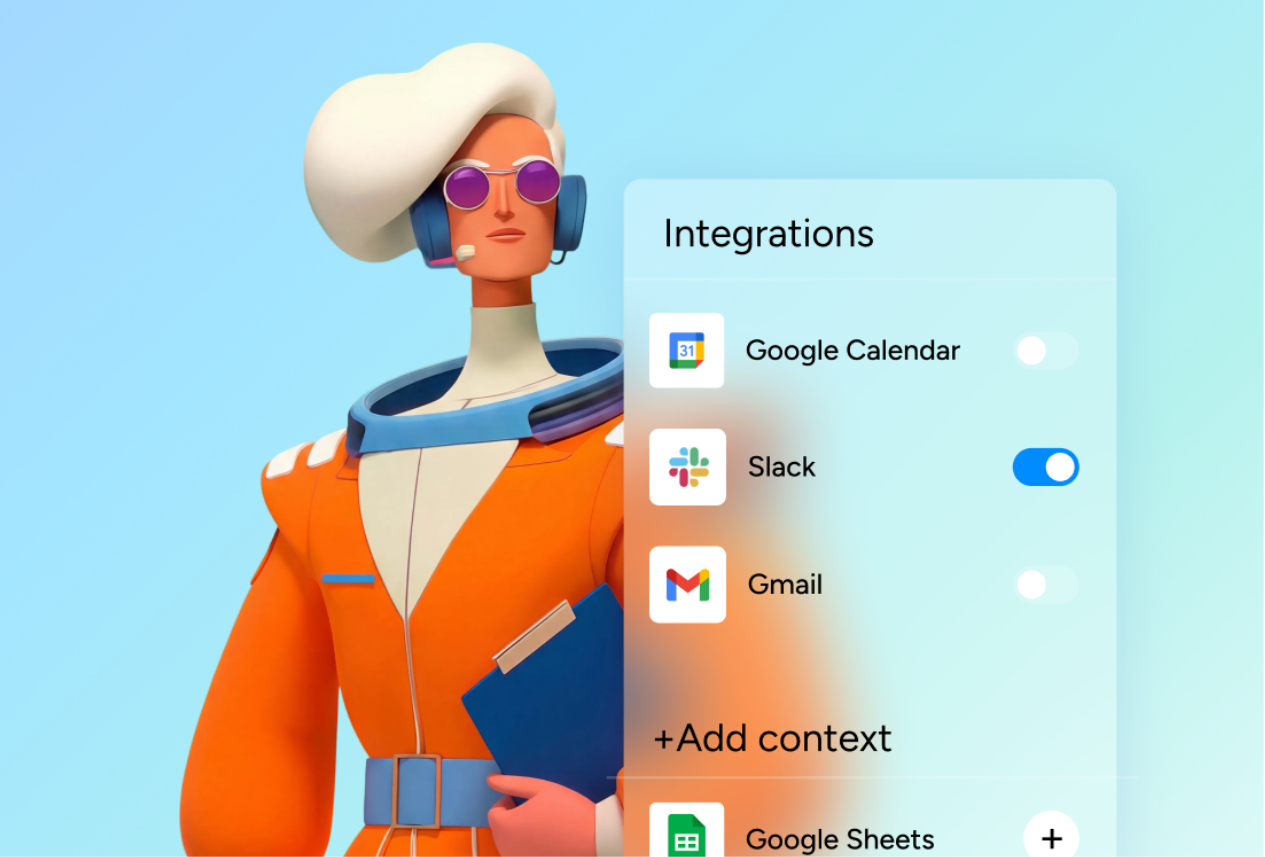
When we think AI, most of us picture the traditional chat interface.
But how do we move beyond the chat window and integrate AI where the work actually happens?
It may sound cliché, but AI agents can actually be a part of the team’s workflow. Rather than simply responding to prompts, they can work alongside us, take on tasks autonomously, and become active participants in our team’s process.
The question isn’t whether AI agents are capable of doing the work. It’s how to integrate them into our organizations so they have the right context, take on the right responsibilities, and contribute at the right moments.


The gap isn't in the technology. It's in the implementation.

Jack Kubicek
CEO, CarbonWeb
The implementation problem
For many organizations, AI technology has the potential to transform productivity and strengthen human capabilities, but the success of AI project depends on more than technology itself. The challenge lies in bridging the gap between implementation and sustained human adoption.
While organizations are making big investments in technology and the deployment of AI tools, and it brings a lot of excitement in the pilot phase, the actual human – AI integration is often not sustainable.
AI projects fail nearly twice as often as conventional IT projects.
AI projects fail at significantly higher rates than traditional software projects. RAND estimates failure rates often exceed 80%, roughly double those of conventional IT projects.
Over 40% of agentic AI projects will be cancelled by 2027.
Gartner predicts that over 40% of agentic AI projects will be cancelled by the end of 2027 due to escalating costs, unclear business value, and inadequate governance.
AI project abandonment increased from 17% to 42% in 2025
According to S&P Global’s Voice of the Enterprise: AI & Machine Learning 2025, 42% of organizations reported abandoning most AI initiatives before production, up from 17% the previous year.
Don't deploy it, onboard it
We shouldn’t think about implementing AI like installing another software tool.
We should think about onboarding a new colleague.
AI doesn’t save time if you end up spending more time setting it up, cleaning up its inputs, or manually feeding it data. For AI to deliver value in organizations, it needs to be convenient, intuitive, and fit naturally into the way teams already work.
The success of the chat interface we all love is in the familiarity. We interact with AI exactly as we would interact with our colleagues, through conversation. So we need to think about how to integrate AI into our workflows in the same way we would onboard a new employee. It needs to:
- Work with an existing technological ecosystem
- Have clearly defined tasks and responsibilities
- Collaborate with people (and other agents) on existing workflows
- Access the right information and business context
- Know when to bring human in the loop
Infrastructure matters more than models
For organizations, implementing new tools, software, and change management initiatives is both time-consuming and expensive. To justify these investments, businesses need to see measurable ROI and strong revenue projections. With AI projects this is often a challenge. The upfront investment can be significant, while success is difficult to measure, especially in the early stages.
Bring AI into the system and workflows teams already use.
Imagine your day-to-day operations stay exactly the same, but now you have a group of highly capable new colleagues. They work around the clock, respond instantly, adapt quickly, and have access to the knowledge needed to complete repetitive and time-consuming tasks.
If AI works best inside existing workflows, the obvious question is: where should those workflows live?
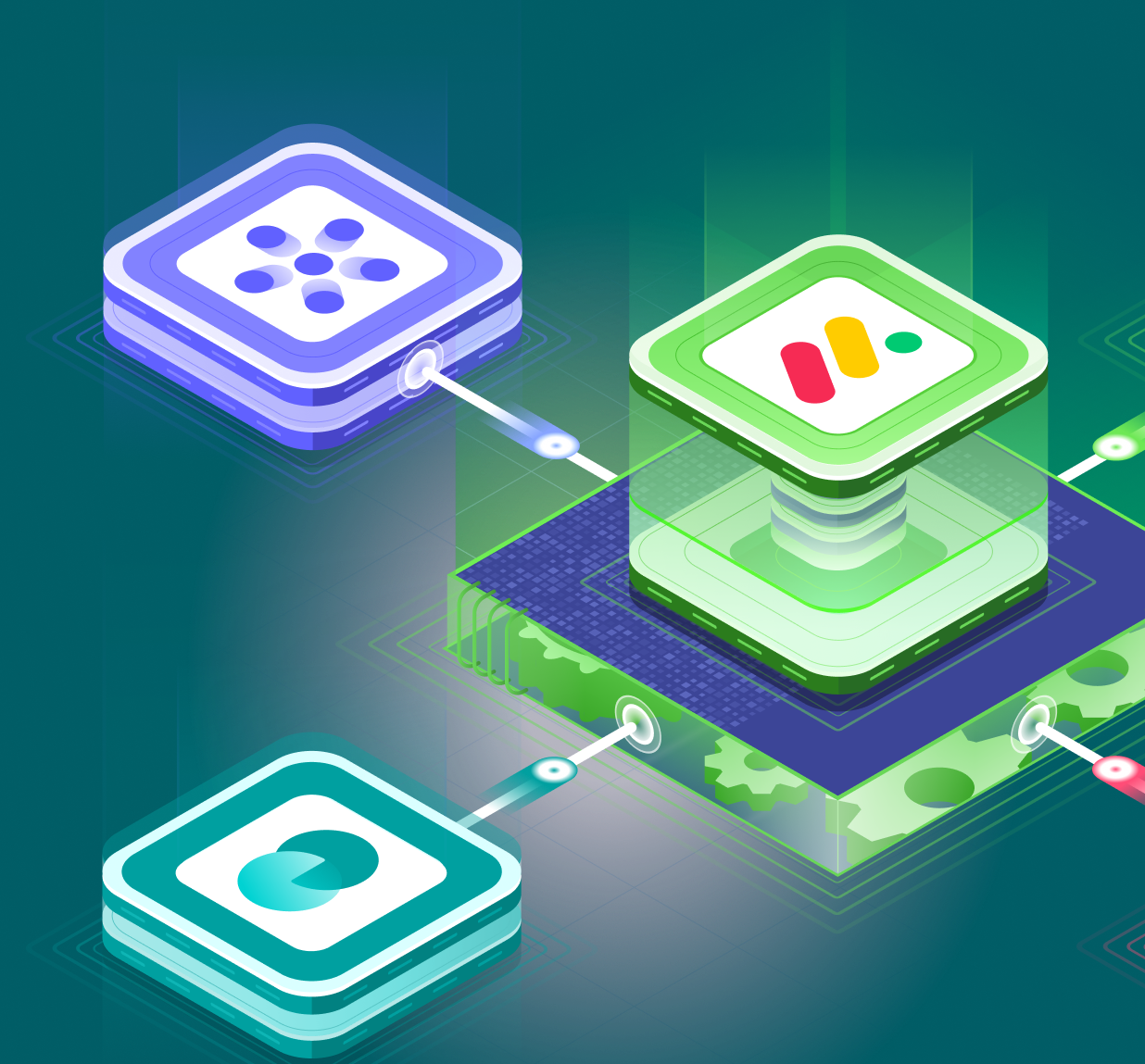
For organizations using monday.com the answer is clear. AI agents are built directly into the work OS allowing the AI to work alongside the team, within the same boards, automations and business processes. Or, if you already have your own AI agents, you can also bring them into monday.com and integrate them with your existing workflows.
The result is a collaborative environment where humans remain in control, while AI takes on the repetitive and time-consuming tasks.
USE CASE
From client call to CRM, automatically
AI captures meeting notes, creates follow-up tasks, drafts emails, and updates Salesforce automatically.
We built an end-to-end AI workflow for a financial services firm using monday.com’s AI capabilities. Meeting notes are captured automatically, participants are identified, action items are generated, follow-up emails are drafted, and Salesforce is kept in sync without manual data entry. Advisors only review and approve the email before it is sent and trigger the CRM update, reducing over 20 minutes of post-meeting administration to just two clicks while ensuring every client interaction is accurately documented and followed up.
Saved after every client meeting
Want to enhance your workflows with AI?
We’ve been using monday.com since 2017. It started with our own systems, where we often spent more time building in monday than doing actual work. Since then, we’ve helped hundreds of companies and thousands of users across industries. What started as a love for the platform has grown into a team of 50+ experts that help organizations onboard, implement, and scale their business operations on monday.com.
We are continuously learning, experimenting, and sharing insights that keep our clients and the monday community “ahead of the curve.”
If you’re exploring how AI agents could fit into your workflows, or just curious where to start, get in touch.